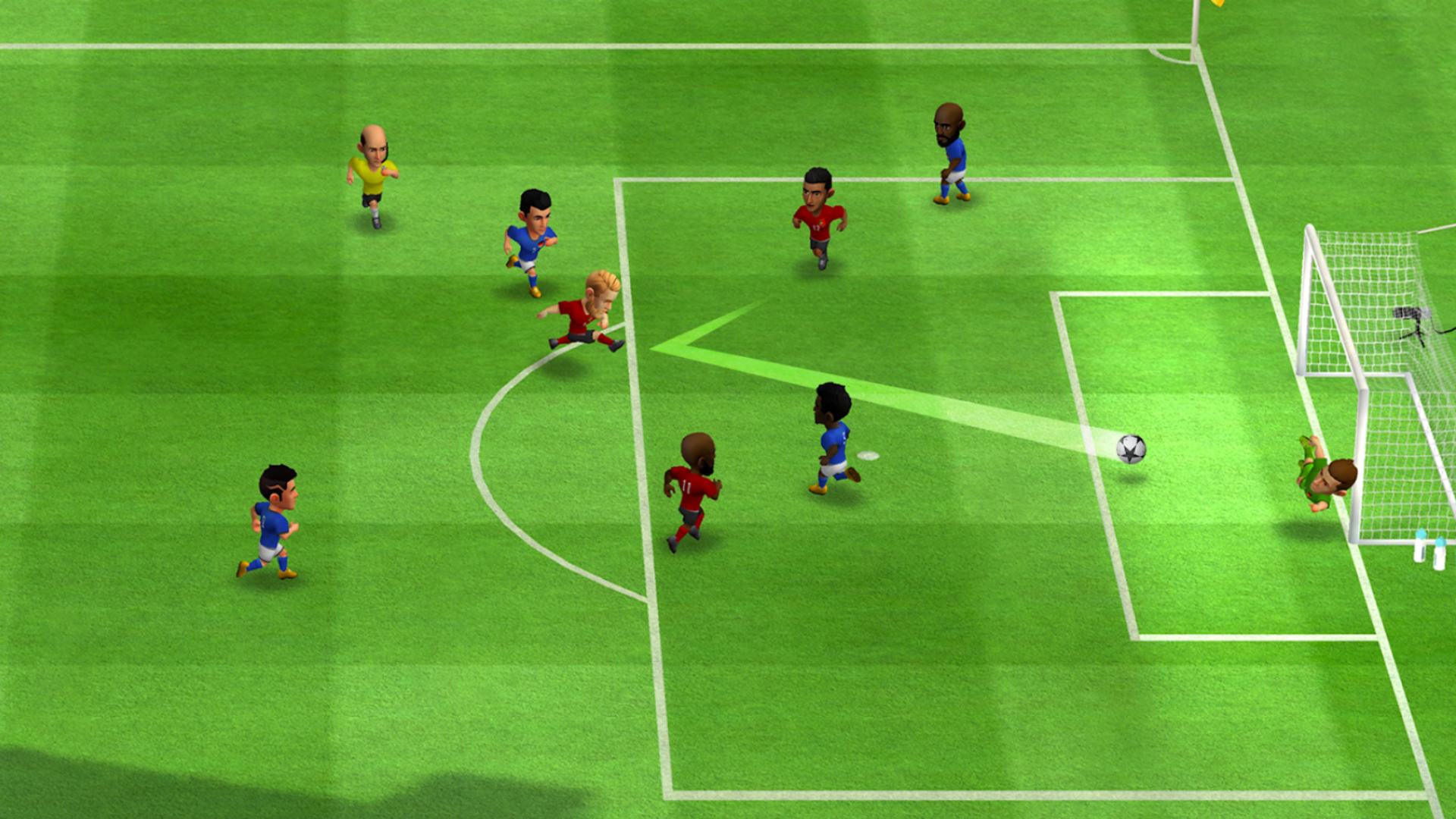
MINI FOOTBALL: HOW TO CUSTOMISE YOUR TEAM
Customising your team is a huge part of Mini Football. Here’s how to tweak formations, customise kits, and more:
- From the main menu, click on the ‘Equipment’ tab, then tap on the little pen icon next to your team’s icon to change its name and country. You can alter the icon itself by tapping on it from the same menu
- Within the ‘Equipment’ tab, you can select your team’s jersey, shorts, shoes, and more. You can earn additional cosmetic items, players, and more from Packs, essentially this game’s version of Ultimate Team packs or loot boxes
- From the ‘Team’ tab on the main menu, you can quickly swap in players and mess around with formations. Always consider how your placements impact your team’s score, which you can see in the top left of the ‘Team’ tab
- Mini Football makes it very easy to see exactly who is an attacker, midfielder, defender, or goalkeeper within the ‘Team’ tab. You can jump between each category to speed up the process of sifting through your players
- You can unlock different formations as you continue to progress, and, again, always play around to see what effect different formations have on your team’s score